Workflow Guide

1 Load Model: Import your .STL file.
2 Select Surfaces: Click faces to texture.
3 Load Texture: Upload Map (JPG, PNG, SVG, WEBP, HTML).
4 Settings: Adjust Scale & Amplitude.
5 Bake: Apply changes & Export STL.

Viewport Controls

Left Click Rotate
Right Click Pan
Scroll 🔍 Zoom
⚠️ Important Note: The baking process depends heavily on your GPU performance. Please be patient and do not close the window while baking is in progress.
🔒 Your Privacy Matters! Unlike other tools, MeshTexture does not send your files to any server. Your proprietary designs are processed entirely using your own hardware (CPU/GPU) via your browser.
💡 PRO TIP: If your model has curved surfaces (like spheres), try switching to 'Spherical Mode' for seamless results.
⚙️ QUALITY: Use Refine Selection to increase face count for sharp displacement.
🎨 FORMATS: Supports JPG, PNG, WEBP. High contrast images produce the best depth.
PERFORMANCE: Baking allows you to export the modified geometry as a standard STL file.
🔒 Zero Storage: We don't save or see your models.
⚙️ Local Processing: 100% client-side execution.
💡 PRO TIP: If your model has curved surfaces (like spheres), try switching to 'Spherical Mode' for seamless results.
⚙️ QUALITY: Use Refine Selection to increase face count for sharp displacement.
🎨 FORMATS: Supports JPG, PNG, WEBP. High contrast images produce the best depth.
PERFORMANCE: Baking allows you to export the modified geometry as a standard STL file.
🔒 Zero Storage: We don't save or see your models.
⚙️ Local Processing: 100% client-side execution.

Preset Textures
Geometric
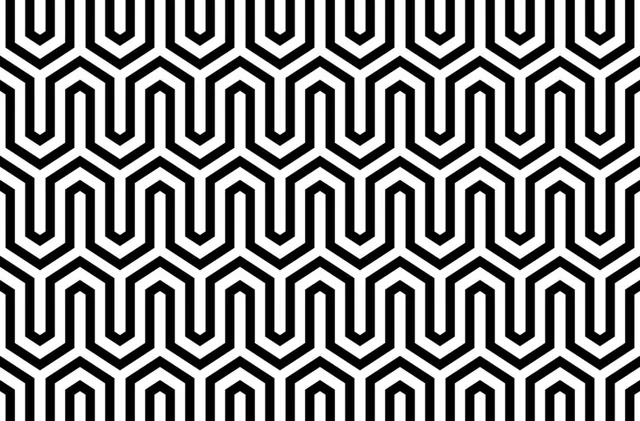
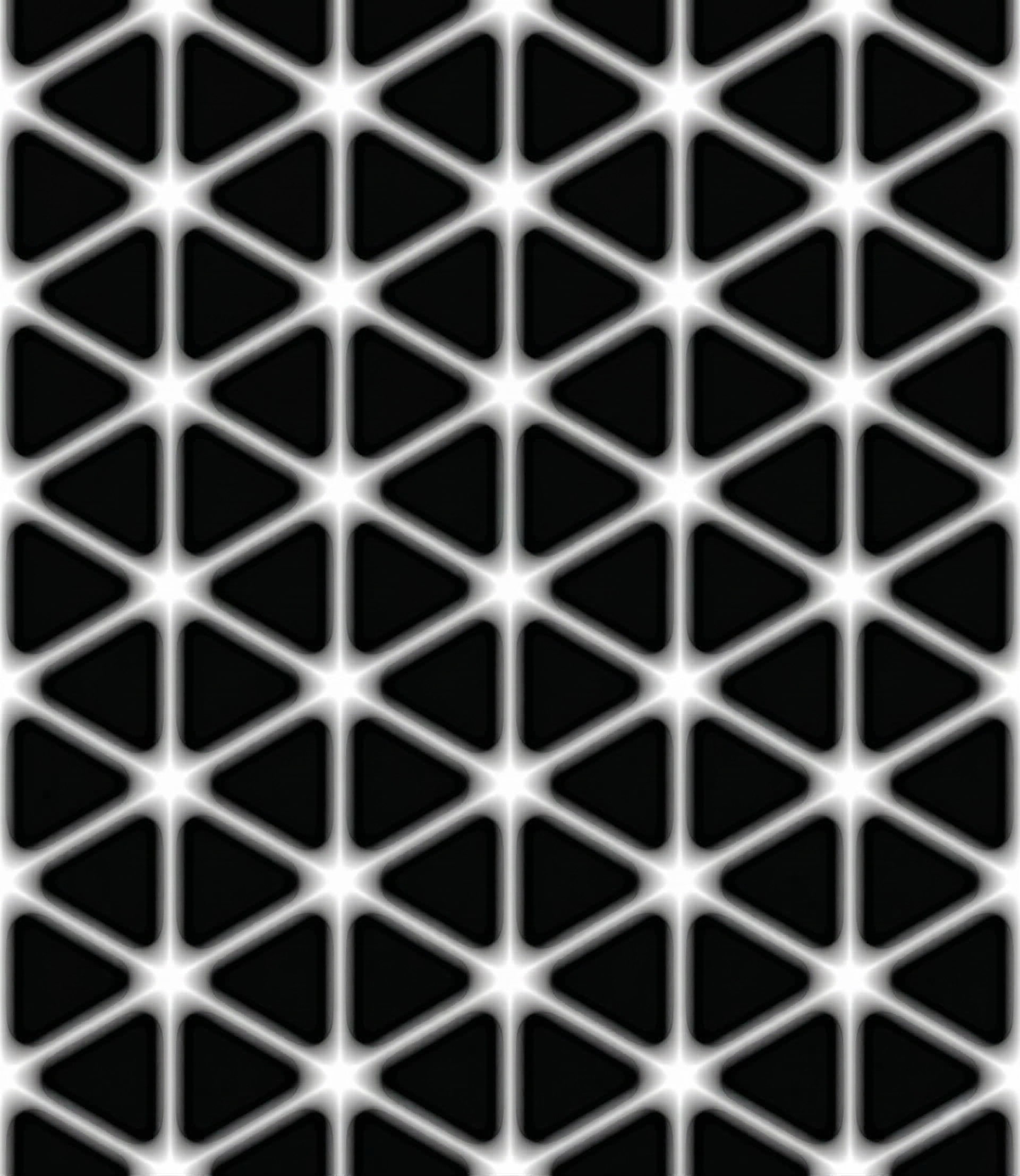
Carbon Fiber Carbon Fiber
Grip 1 Grip 1
Grip 2 Grip 2
Hexagon Hexagon
Geo Geo
Organic
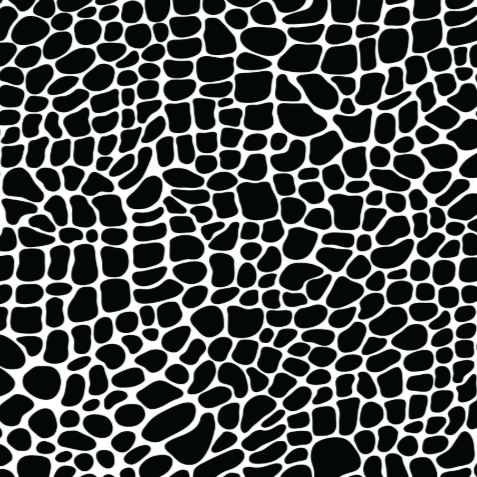
Leather Leather
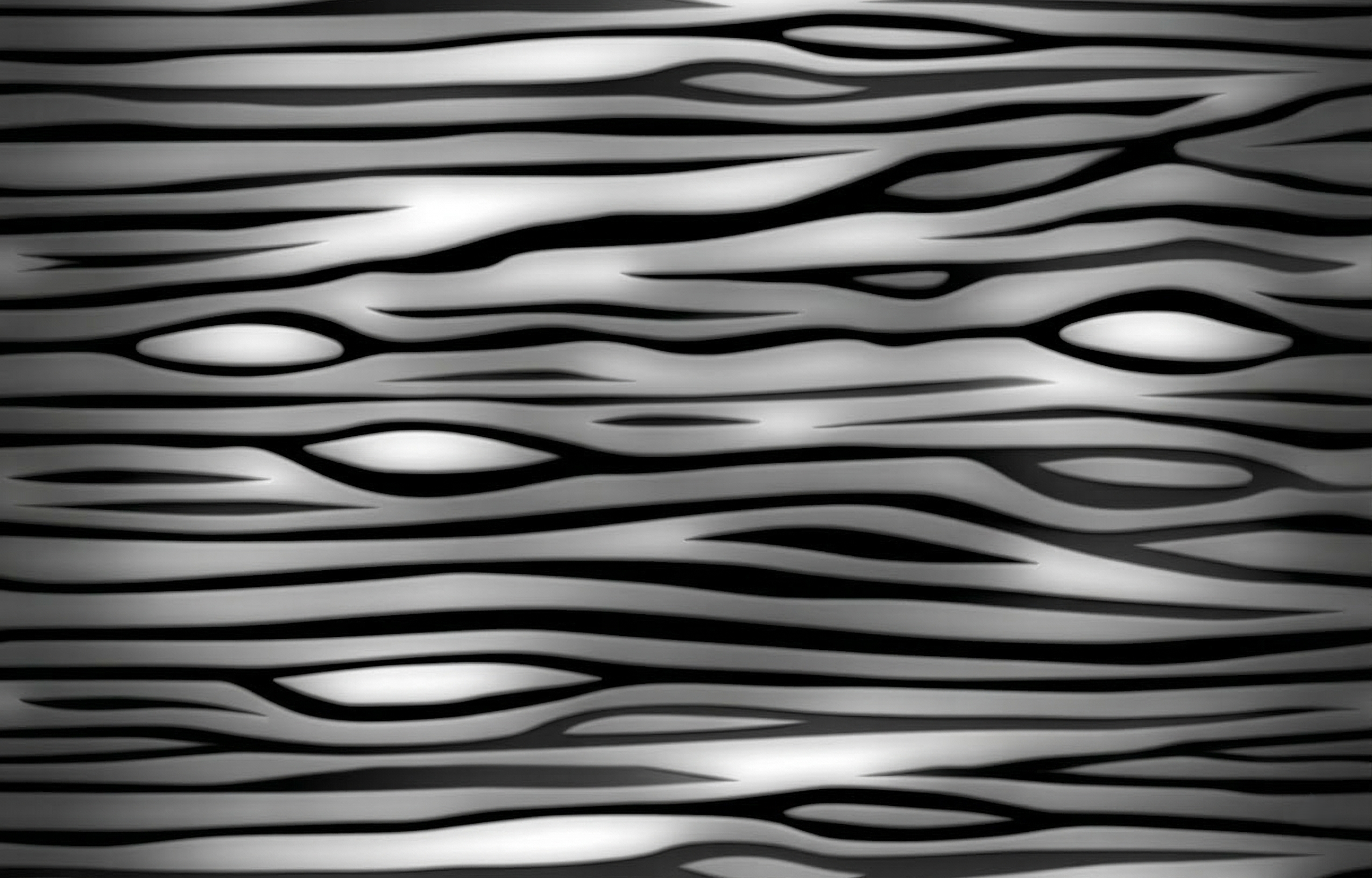
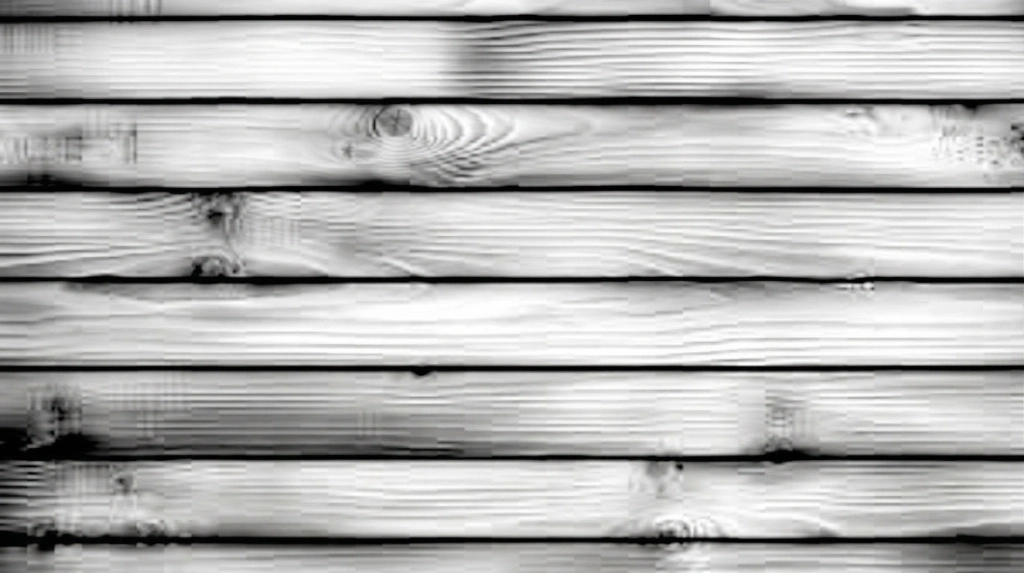
Wood Wood
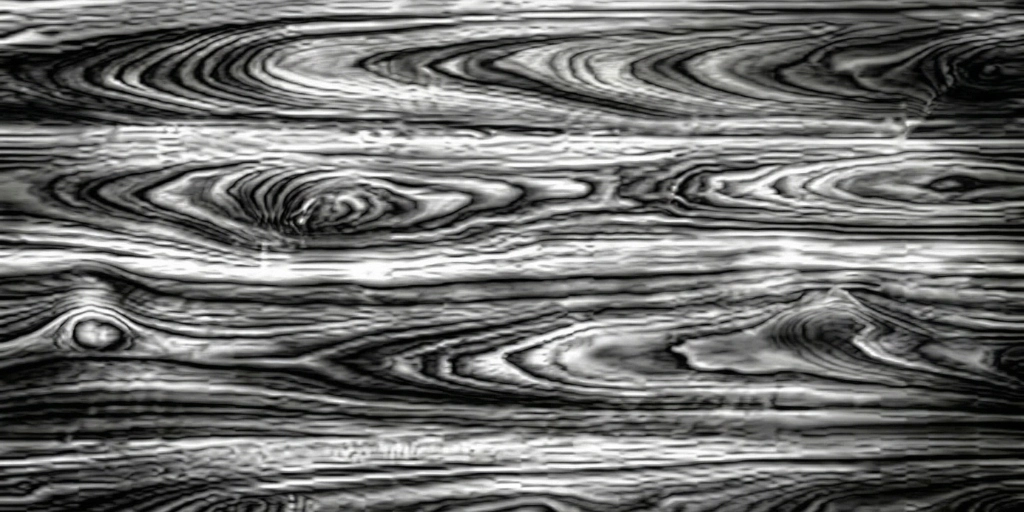
Wood 2 Wood 2
Wood 3 Wood 3
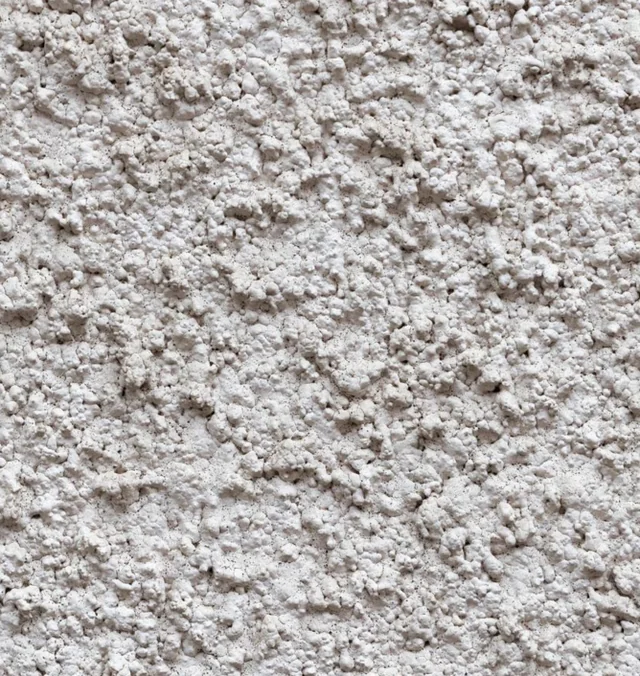
Cement Cement
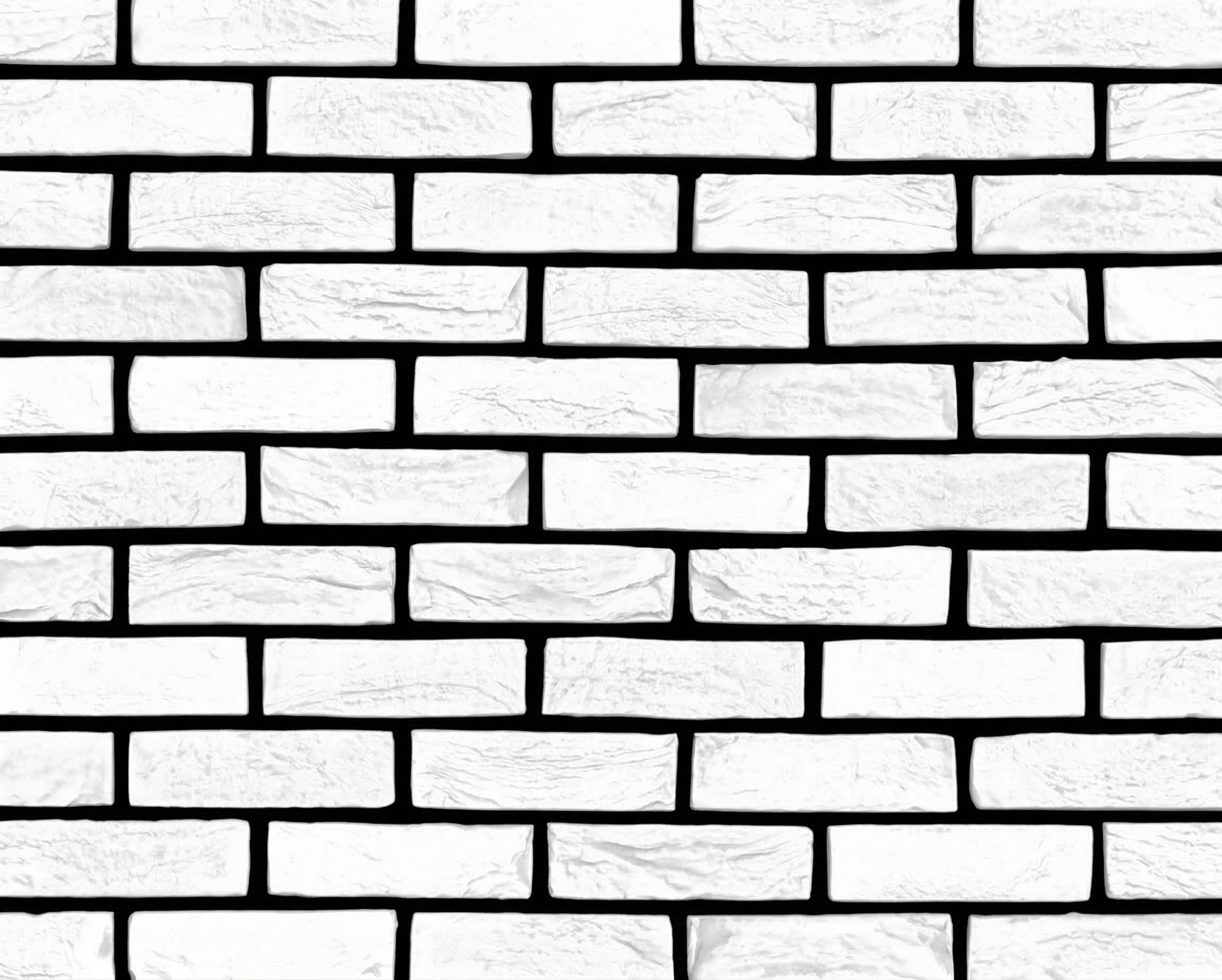
Brick Brick
Leaf Leaf
Paint Settings
Hold E + Left Click to Paint
Hold R + Left Click to Erase
3
45

Free Online 3D Mesh Texturing Tool

Mesh Texture Pro is a browser-based application that lets you apply procedural 3D textures directly onto STL mesh files — no installation required.

How to apply 3D textures to STL files?

Mesh Texture Pro brand logo
  1. Load your STL file — Import any standard binary or ASCII STL model into the viewport.
  2. Select surfaces & choose a texture — Click the faces you want to emboss, then pick a preset texture (carbon fiber, hexagon, knurling…) or upload your own JPG/PNG.
  3. Bake & export — Adjust scale, amplitude, and rotation, then hit Apply (Bake) to displace the geometry and download the modified STL file ready for 3D printing.